Free Online Photo Editor
Edit PSD, PNG, JPG and WebP files in your browser, with layers, masks, brushes and type. This is an open-source alternative to Photoshop that runs on your device: free, no sign-up, and your files are not uploaded.
Prefer an installed app? Download the free desktop app
- Open your browser developer tools and switch to the Network tab
- Open a file in the editor
- Your file never appears as an upload request
Best on a desktop browser. This editor has desktop menus and shortcuts.
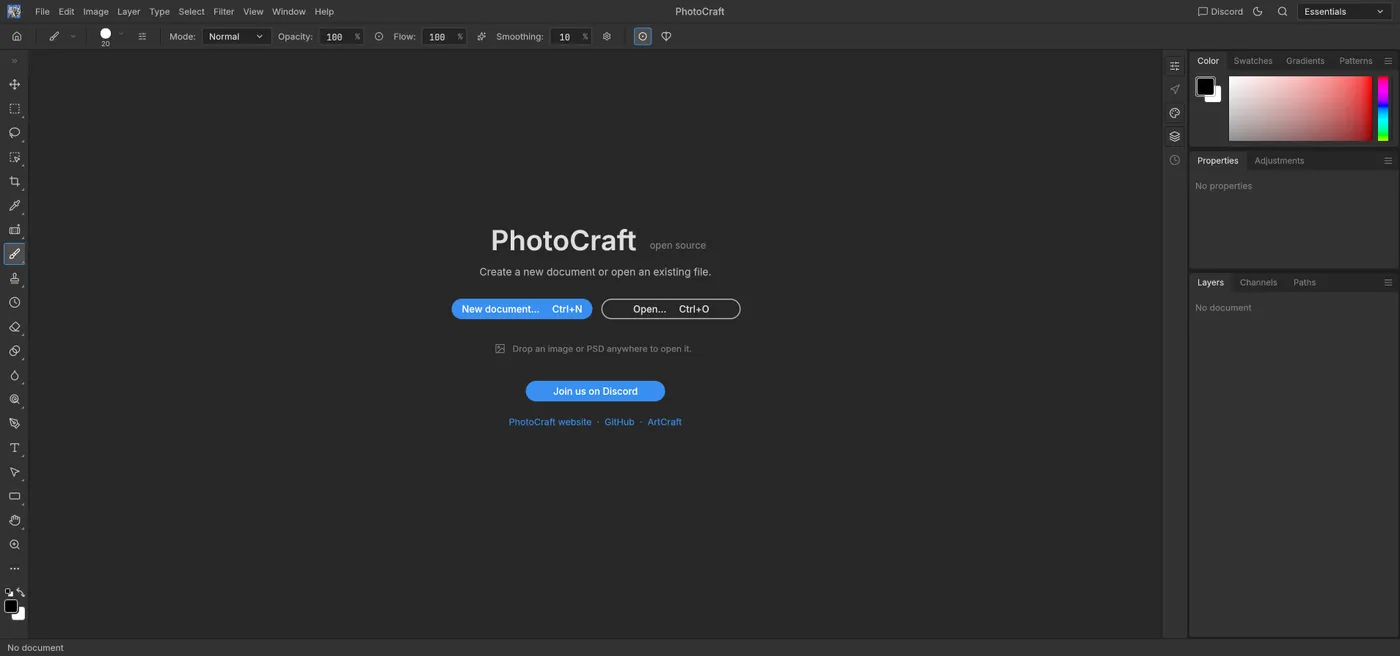
Engine start screen, captured 2026-10-12
Formats it opens
What the engine's own documentation lists. Our own tests are in the compatibility table below.
| Format | Listed by the engine | Tested by us |
|---|---|---|
| .psd | PSD and PSB are read and written, including layers | Not tested yet |
| .png | Reads and writes PNG, keeping 8 and 16-bit samples | Not tested yet |
| .jpg | JPEG import and export, with quality chosen on export | Not tested yet |
| .webp | Lossy and lossless WebP | Not tested yet |
| .tiff | TIFF, including layered TIFF | Not tested yet |
| .svg | Opens as shape layers | Not tested yet |
| .ora | OpenRaster (used by Krita and GIMP), read and write | Not tested yet |
| .gif | GIF is listed as a flat format | Not tested yet |
What you can do
- Work with layers, groups, masks and blend modes
- Paint with brushes, clone and retouch
- Add and edit text
- Apply filters and adjustments
- Crop, resize and transform
- Export to PNG, JPEG, WebP, TIFF and more, with quality and scale options
Compatibility
| Check | Result | Notes |
|---|---|---|
| Editor starts | Works | Loaded with WebGPU; the WebGL2 fallback (add ?webgl) also started |
| New document and brush stroke | Works | A 1920 x 1080 canvas, one stroke, and a layer appeared |
| Open a .psd file | Not tested yet | We have not run an open test for this format yet |
| Save or export a file | Not tested yet | We have not run an open test for this format yet |
| Phone screen (390 px wide) | Not supported | Desktop layout: the canvas is pushed off screen |
Known issues
- The editor has desktop menus and shortcuts, so it works best in a desktop browser. On a phone it is not usable.
- There is no autosave. Save and Export download a file to your device, so save before you close the tab.
- Very large files depend on your device memory and may be slow or fail to open.
- The editor asks for a font list file that does not exist and gets a 404. It is optional and harmless.
When to keep the original software
Keep using the desktop software for print production with plug-ins, exact color management, or files that rely on features this editor does not model, such as some smart objects and layer styles.
FAQ
Can it open a .psd with layers?
Does it replace the desktop app?
Are my images uploaded?
Why does the first start take a while?
Runs the open-source PhotoCraft engine v0.7.0 (23.8 MiB) · MIT / Apache-2.0 · Last tested 2026-10-12 · source · license