Free Online Document Editor
Write and edit DOCX, ODT and RTF documents with an open-source alternative to Word. It runs in your browser: free, no sign-up, and your files are not uploaded. A free desktop app is also available.
Prefer an installed app? Download the free desktop app
- Open your browser developer tools and switch to the Network tab
- Open a file in the editor
- Your file never appears as an upload request
Best on a desktop browser. This editor has desktop menus and shortcuts.
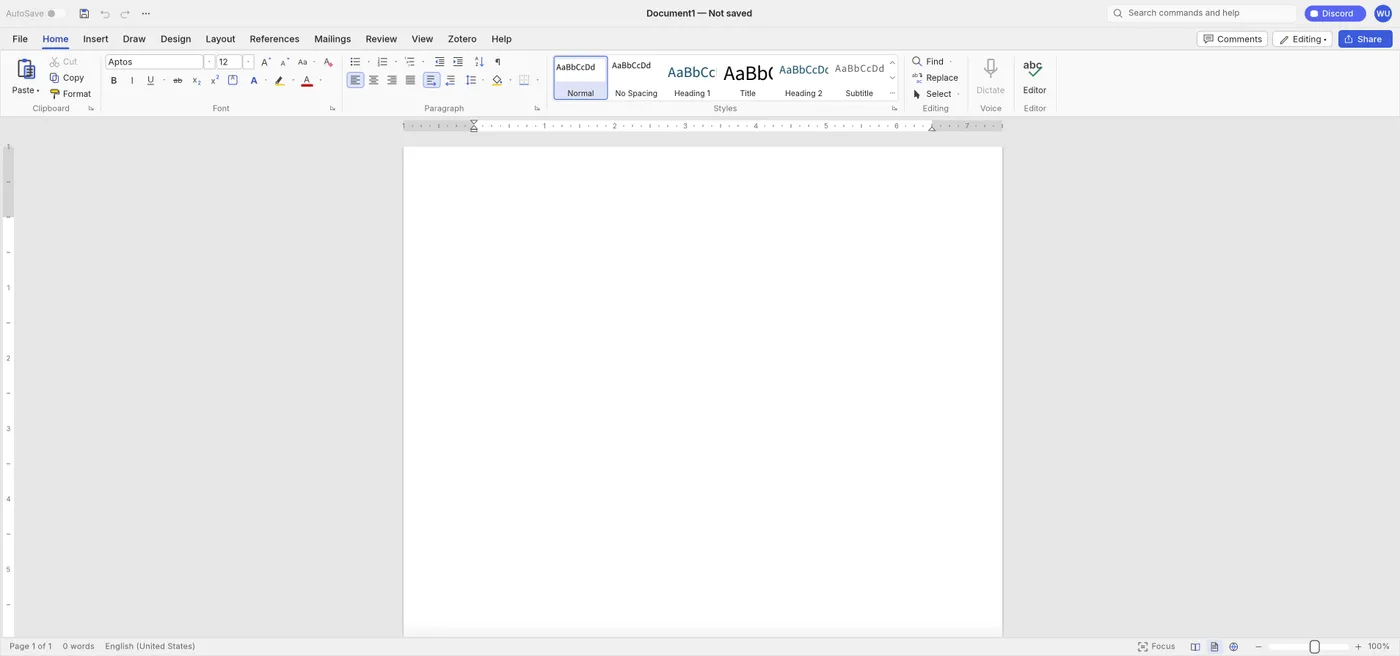
Engine start screen, captured 2026-10-12
Formats it opens
What the engine's own documentation lists. Our own tests are in the compatibility table below.
| Format | Listed by the engine | Tested by us |
|---|---|---|
| .docx | DOCX read and write | Not tested yet |
| .odt | ODT import and export | Not tested yet |
| .rtf | RTF import and export | Not tested yet |
| .doc | Word 97-2003 .doc import | Not tested yet |
| .md | Markdown import and export | Not tested yet |
What you can do
- Open and save DOCX files
- Format text, styles, lists and tables
- Track changes and add comments
- Build a table of contents and other references
- Find and replace, including regular expressions
- Export to PDF
Compatibility
tested 2026-10-12 · engine 0.5.0 · chromium 152 desktop · local server
| Check | Result | Notes |
|---|---|---|
| Editor starts | Works | Loaded without problems |
| Type text | Works | A sentence was typed; the word count and undo updated |
| Open a .docx file | Not tested yet | We have not run an open test for this format yet |
| Phone screen (390 px wide) | Not supported | The page and ribbon are cut off |
Known issues
- This is a large editor: the first start downloads about 34.7 MB before compression, so it can take a while on a slow connection. Your browser keeps it afterwards.
- The editor's own documentation says it is a beta that still needs testing against real-world DOCX files, and that charts and SmartArt are not kept.
- The tests above ran on a local test server, before this site went live.
When to keep the original software
Keep using the desktop word processor for documents with charts or SmartArt, complex templates, or live co-editing with a team.
FAQ
Can I use it in my browser now?
Yes. Press Open editor on this page. The first start downloads about 34.7 MB, then your browser keeps it.
Will it keep my Word formatting?
It reads and writes DOCX. The editor is a beta, so check complex documents before you rely on them.
Are my documents uploaded?
Not by the editor. It is built to run on your own device.
Can it export a PDF?
Yes, PDF export is listed.
Runs the open-source WordCraft engine v0.5.0 (34.6 MiB) · MIT / Apache-2.0 · Last tested 2026-10-12 · source · license